Your platform,

your rules.

One workspace. Every control you need.

Your merchants experience the platform. You run it. NORBr gives you a single, structured workspace to manage team access, authentication policies, branding, domains, and your compliance posture. Every operational change is a configuration. Everything your platform needs to stay governed, secure, and audit-ready.

Book a demo
Hero image

Configure every operational lever.

Running a payment platform means managing more than payments. It means managing people, access, brand consistency, authentication standards, and regulatory obligations. NORBr consolidates every operational lever in one workspace, configurable without development, auditable by design.

icône

Workspace identity, domains and branding

icône

User management and role assignment

icône

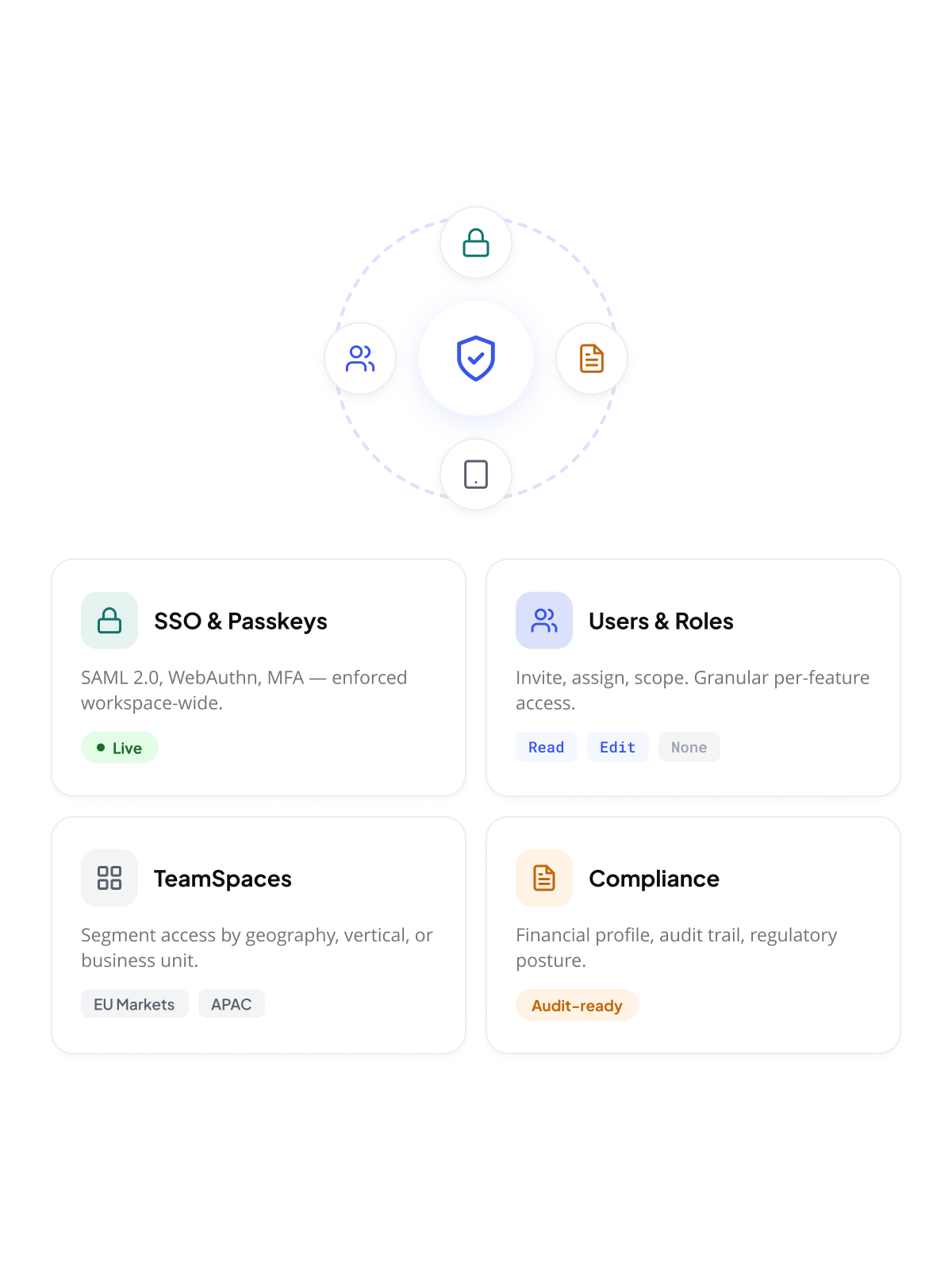
TeamSpaces for granular access scoping

icône

SSO (SAML 2.0), passkeys and MFA policies

icône

Password policy and session rules

icône

Financial and compliance profile
Structure team access. No ticket needed.
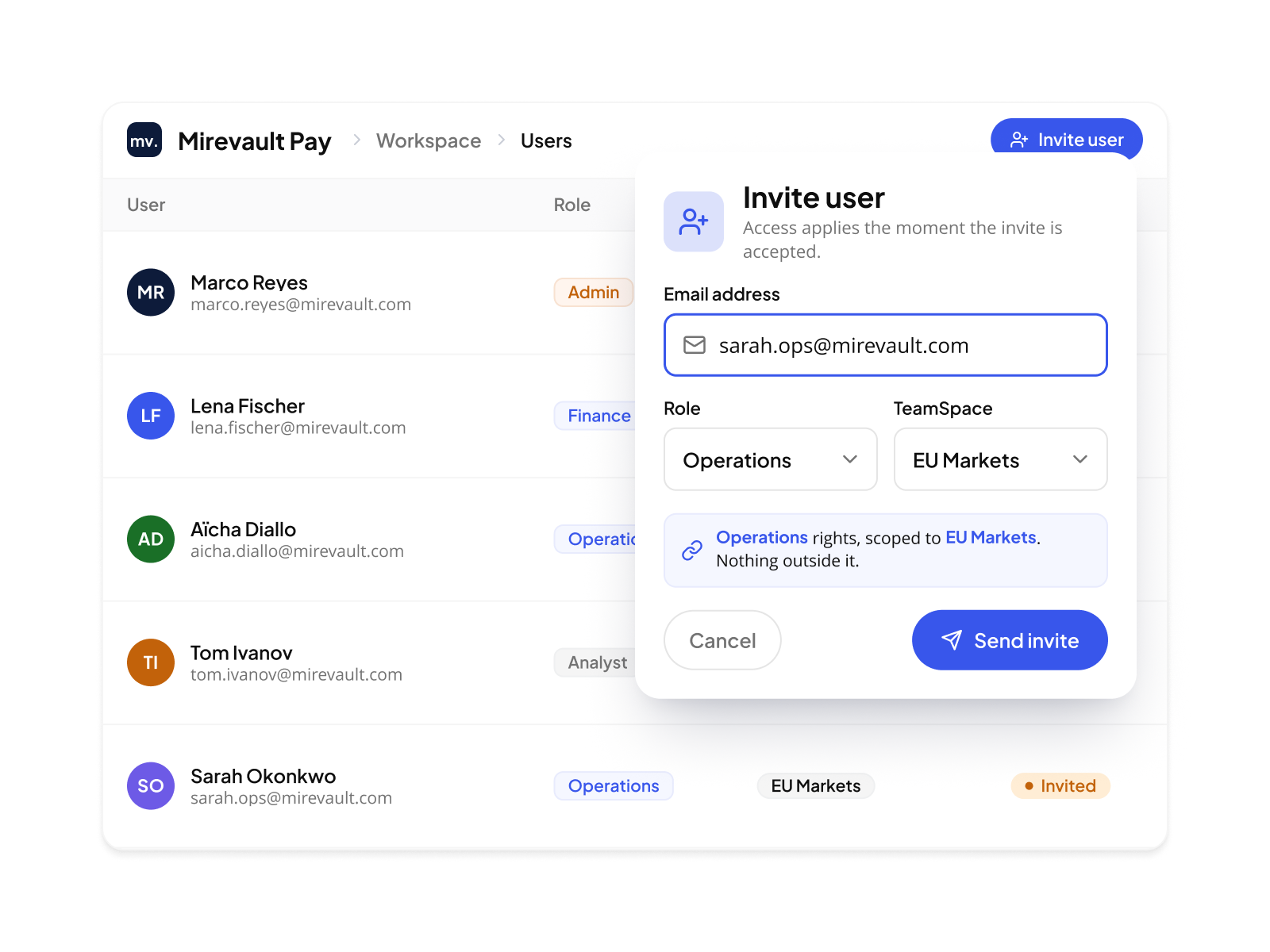
Your platform has users with different roles, different scopes of work, and different levels of access. Managing that doesn't require engineering. From the Workspace, you invite users, assign roles, create TeamSpaces, maintain contacts, and decide what each level of your structure can configure. All of it without opening a support ticket or deploying anything.
Users and roles
Invite users to your workspace by email. Assign them a role that defines what they can see and do. Roles are granular: read, edit, or no access, per feature. When a user's responsibilities change, you update the role. When they leave, you remove access. No back-end intervention required.
TeamSpaces for scoped visibility
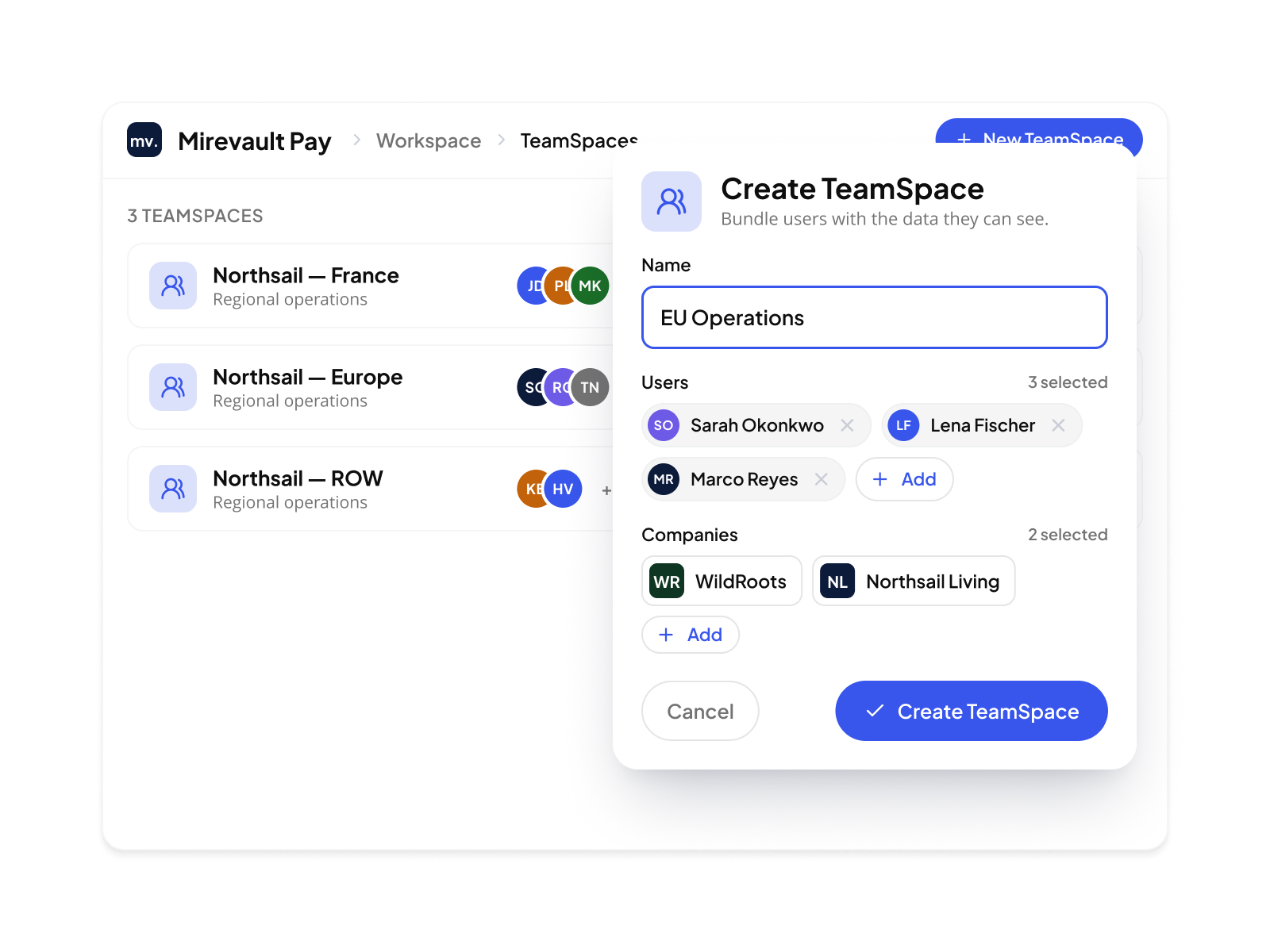
A TeamSpace bundles a set of users with a set of Companies and Merchant Accounts. Users in that TeamSpace only see what it includes. Nothing else. Create one for your risk team, one for your finance team, one for each regional operations group. The data boundary is the TeamSpace. You draw it.
Contacts without platform access
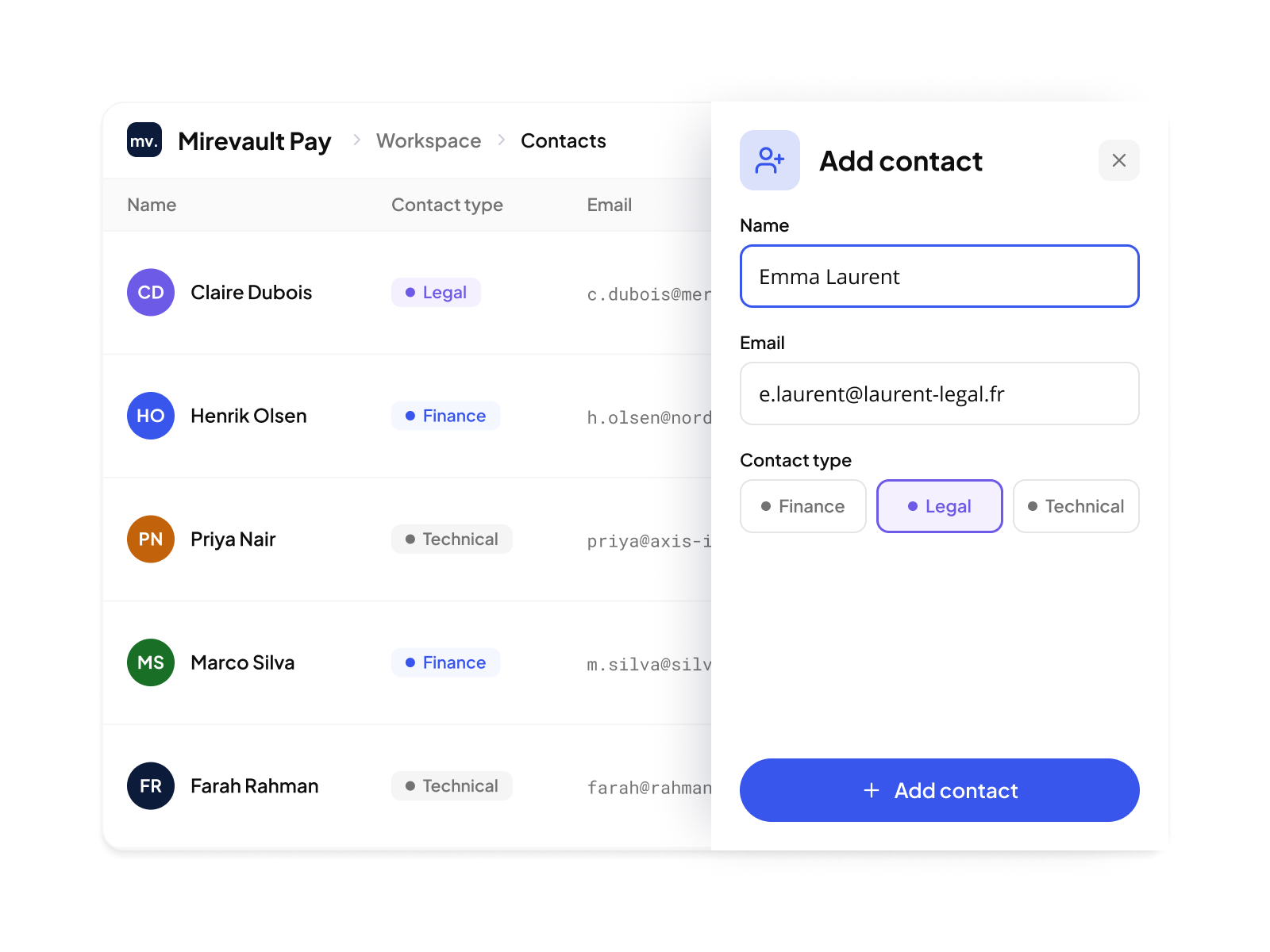
Not everyone who needs to be reachable needs a login. Contacts are external people — finance counterparts, legal contacts, technical integrators — linked to your organization for communication purposes. They appear in the platform for reference. They cannot access it.
Governance controls you delegate or lock
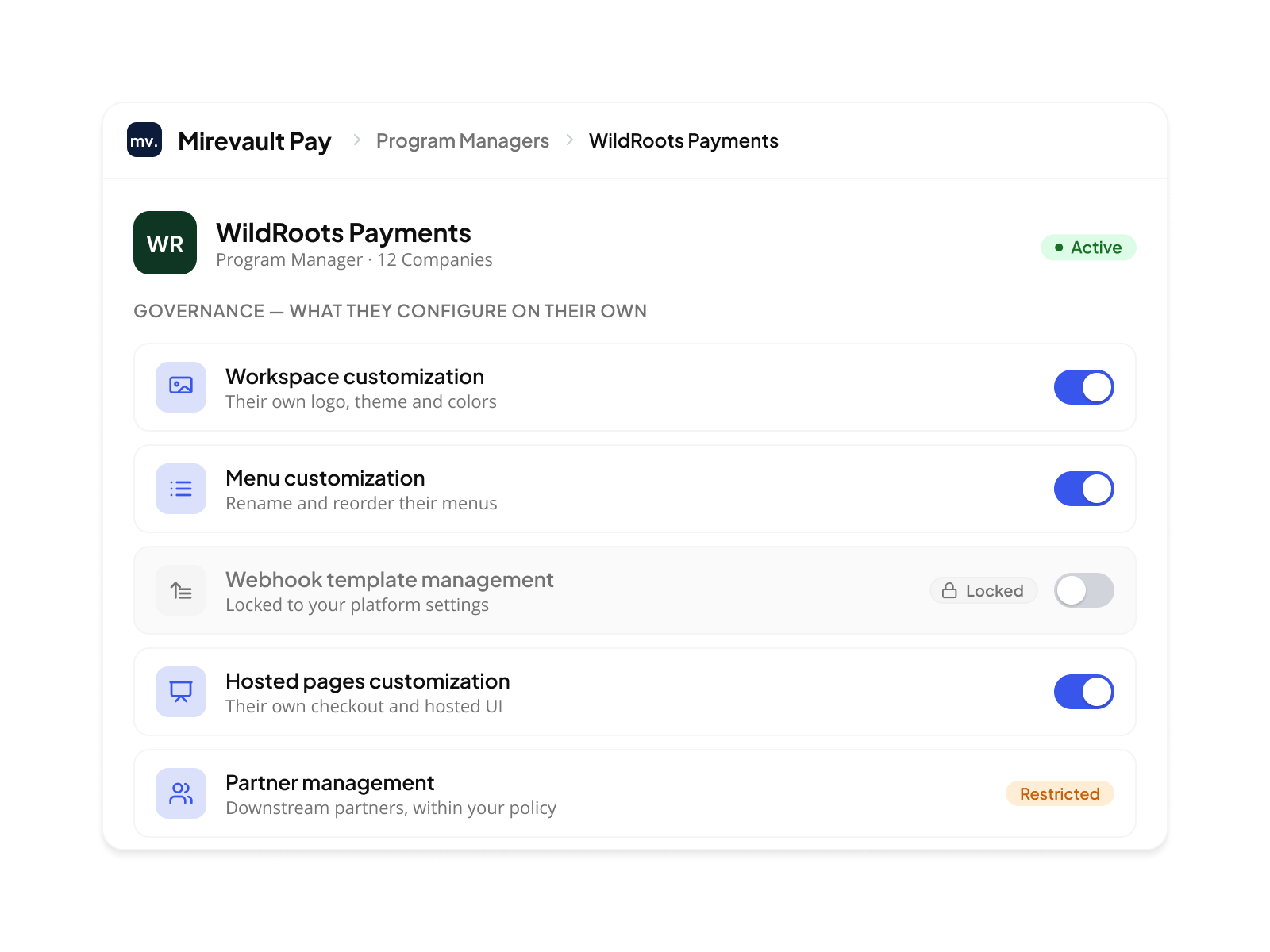
Each Program Manager workspace you operate can be granted or restricted specific governance rights: customize their own branding, manage their own webhook templates, configure their own hosted pages. You decide what they can change and what stays locked to your settings. Delegation is explicit. Override is auditable.

Auth standards your auditors recognize.

Enterprise teams don't use passwords the same way. Some want SSO through their corporate identity provider. Others want passwordless login. Some compliance frameworks require MFA regardless of how the user authenticated. NORBr lets you set the exact policy your organization and your auditors need. You choose the methods. You set the requirements. The platform enforces them.

icône

Enable your primary login methods

Choose from email/password, SSO via SAML 2.0 with your corporate IdP (Azure AD, Okta, or any SAML-compliant provider), or passkey sign-in via WebAuthn/FIDO2. At least one method must remain active at all times. You can run multiple simultaneously.

icône

Set your MFA requirements

Require MFA for all local logins. Enforce it even for SSO users when your corporate IdP does not enforce it itself. Passkeys are the default second factor for MFA and cannot be disabled — they provide phishing-resistant authentication using the user's device.

icône

Configure your password policy

Set a minimum password length.  Compromised passwords are automatically blocked using breach detection. Passwords never expire automatically. When MFA is disabled, the minimum length requirement increases to 15 characters.

icône

Set session rules

Define how long a session stays active.  Set a separate duration for remembered sessions. Rules apply to all users in the workspace unless overridden at a downstream scope.

icône

Enable TOTP fallback (post-launch)

Authenticator app codes are available as a fallback MFA method when passkeys are unavailable. This option is in the product roadmap and will be available after the initial launch.

Magic Link is always available as a recovery method when authentication fails. It cannot be disabled.
It is not a primary login method — it exists to ensure users can always regain access when their configured method is unavailable.

Your compliance posture. Already established.

When your prospects ask about security, the answer shouldn't require a deck. NORBr holds a current PCI DSS Attestation of Compliance (AOC) and is GDPR-compliant by design. That means your platform inherits a compliance foundation that would take years and significant internal investment to build independently. For your enterprise merchants and acquisition conversations with regulated partners, that's not a footnote. It's a commercial advantage.

PCI DSS: your conversation-stopper with acquirers
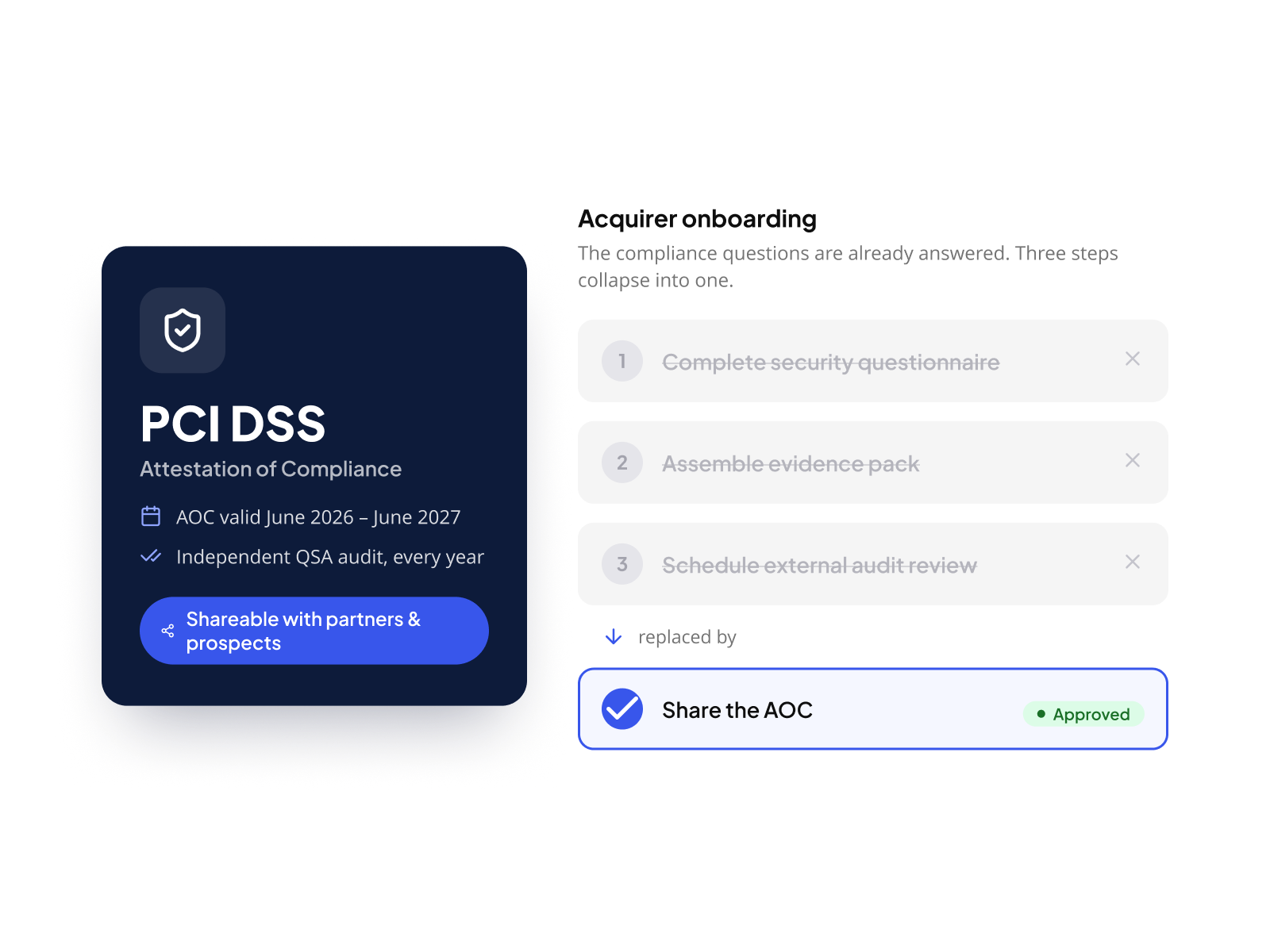
Acquirers, schemes, and regulated partners ask for PCI DSS compliance before onboarding service providers. NORBr holds a current Attestation of Compliance (AOC valid June 2026 to June 2027, issued after an independent annual audit by a Qualified Security Assessor. The document is freely shareable with your own partners, customers and prospects. When you build your platform on NORBr, you walk into those conversations with the answer already prepared. Your engineers spend time on your product. Not on compliance paperwork.
GDPR: your merchants' data, handled correctly
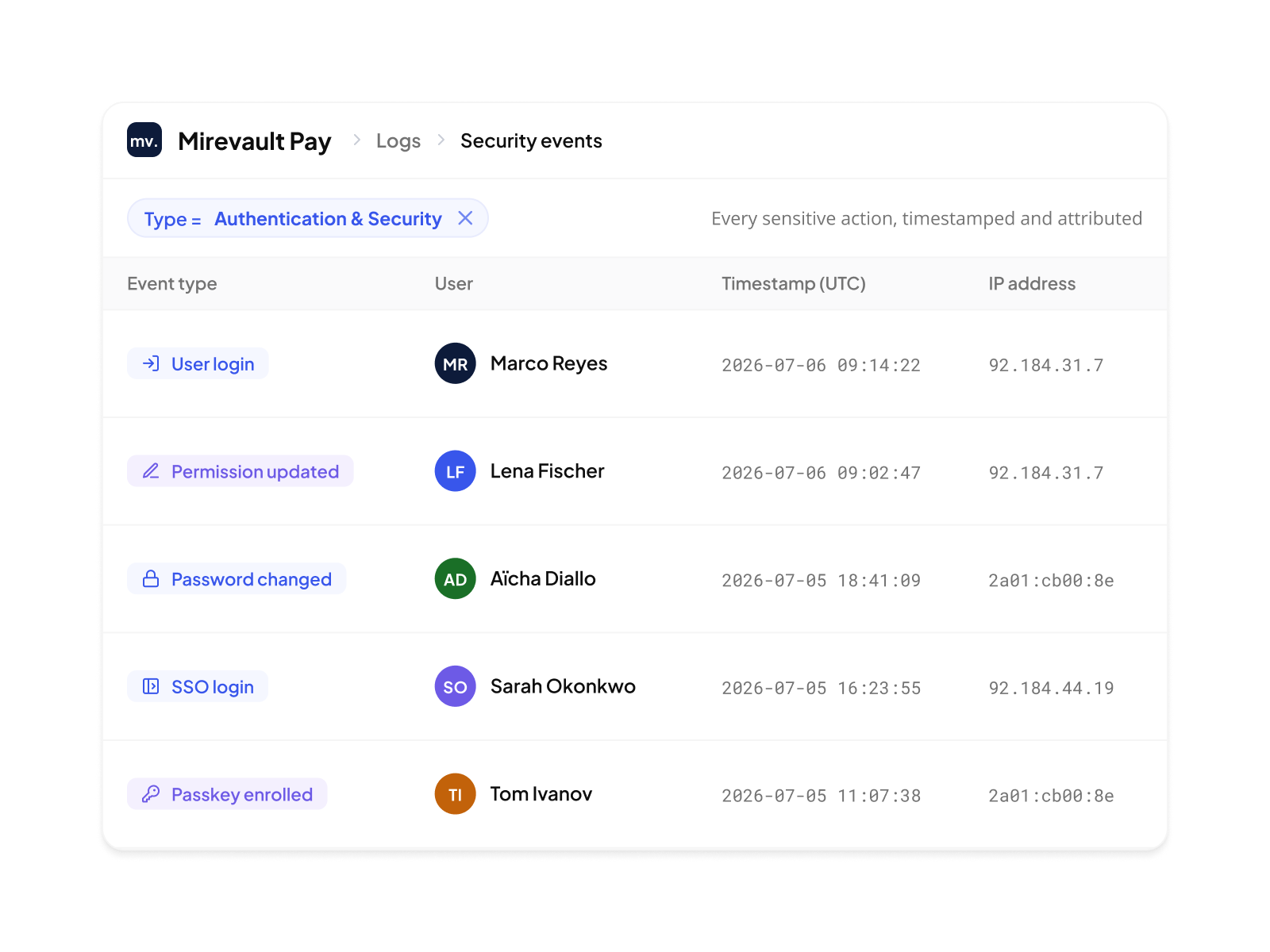
NORBr is built under EU 2016/679 (GDPR). All data is transmitted over encrypted channels (TLS 1.2+), stored encrypted at rest, and retained only as long as the business purpose requires. Audit logs are generated for every sensitive action: login, permission change, password update. Your merchants process payments in your platform. The data handling underneath meets the standard their own DPOs require.

Your platform runs on your terms.  
Fully auditable.

One workspace. Every access control and authentication policy configured by you.  Enforced by NORBr.

Book a demo